
Girls' Frontline 2 Tools Hub
Planning articles for pity and dailies — not a live calculator app.
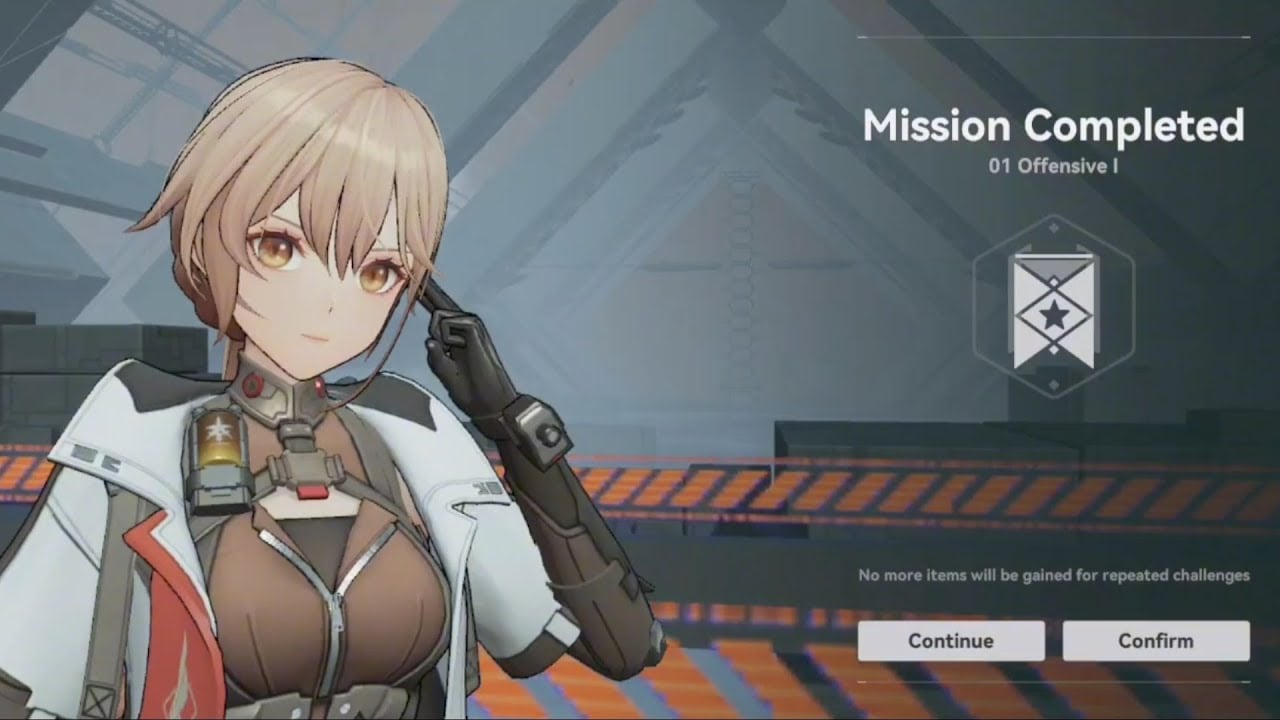
This hub collects planning tools for Girls’ Frontline 2: Exilium. They are written guides with tables, not JavaScript apps sitting in your browser. Use them before you convert Collapse Pieces or dump a full stamina bar into the wrong Combat Simulation.
Child pages:
- Pity Planner — 80 hard, 58 soft, 50/50, 160 worst case, beginner banner, 260 selector
- Daily Checklist — Patrol, stamina, mailbox, codes, Platoon, events, weekly bosses
Girls’ Frontline 2 is released and free-to-play on PC, Steam (11 February 2025), iOS, and Android from SUNBORN. Darkwinter and Haoplay accounts do not transfer, so the pity you build is bound to that publisher. Rankings and banner advice elsewhere on the wiki are Global snapshots as of Chiral Redundancy / late August 2026 and will move.
When to open which tool
Open the Pity Planner when a limited banner is live and you are about to tap the shop. It walks the math: soft pity near 58, hard pity at 80, 50/50 on the featured Elite, 160 pulls as the ugly ceiling, discounted beginner 10-pulls, and the one-time 260-pull standard selector. It will not click the banner for you. Pair it with the gacha pity guide, Current Banners, and Who to Pull so the number you plan is attached to a Doll you actually need.
Open the Daily Checklist after login, before you wander into a 40-minute story replay. Patrol, mailbox, codes, stamina cap, Platoon tasks, event stage caps, and weekly bosses are easy to skip on a busy day and expensive to skip for a week. Farming detail lives on Farming Resources. Platoon and Gunsmoke Frontline have their own page: Platoon and Gunsmoke.
What these tools are not
They are not inventory managers, damage simulators, or live pity counters hooked to your account. SUNBORN does not expose that. They are also not a substitute for reading combat: if you keep failing a stage, open Combat Tiles and Team Compositions instead of rerolling the planner.
Codes are a separate daily habit. Claim them from the Codes Hub, follow How to Redeem, and ignore anything on Expired Codes. A working code is free Combat Reports and Collapse Pieces; it is not a reason to skip Patrol.
How they connect to the rest of the wiki
Pity without a target is how accounts wake up with zero Permissions and a bench of random A-tier names. Read Best Dolls and the Tier List Hub before you plan a 160-pull. Stamina without a target is how Combat Reports sit in the mailbox while your Qiongjiu is still level 20. Read Getting Started if the account is new, then farm.
When a patch such as Chiral Redundancy adds a shop, a new stamina sink, or a selector event, the child pages get new rows. This hub stays the index. Official news and third-party trackers are listed on Links.
If you only use one tool this week, use the Daily Checklist until stamina is no longer overflowing, then use the Pity Planner on the next banner that matches a hole in your Phase core. Tools do not replace a plan; they keep the plan from leaking Collapse Pieces and Intelligence Puzzles into banners and stages you did not mean to touch.
Frequently Asked Questions
Quick answers commanders actually search for.
Is the Pity Planner a live calculator?
No. It is a planning article with tables for 80/58/50/50/160 math. It does not read your account. See Pity Planner.
Where do I track codes and banners?
Codes on the Codes Hub. Banners on Current Banners. This hub only plans how you spend what those pages give you.
What should I do every day?
Follow the Daily Checklist: Patrol, mailbox, codes, stamina, Platoon, events. Do not sit capped.
Do these tools work on both Darkwinter and Haoplay?
The math is the same. Accounts do not transfer. Plan pity and dailies on the publisher you actually logged into.
Should I use tools before pulling a new limited?
Yes. Name the Doll on Who to Pull, then run the Pity Planner so you know whether 80 or 160 pulls is in budget.